
How to Play Skribbl
Skribbl is a fun game to play, but it can be a bit of a challenge to get started the first time because there is no Skribbl home page to log into. Instead, the person starting a game sends a link to the other players. When you click on that link, you’ll go to the Skribbl home page as shown below.

To play the game, enter your game name where “thatVikingKing” is highlighted in the picture.
You can change your avatar by clicking on the left and right arrows next to the avatar. The upper arrows change eyes and hats, the middle arrows change the mouth, and the lower arrows change the color.
Once you have a name and an avatar, click on the big green Play! Button.
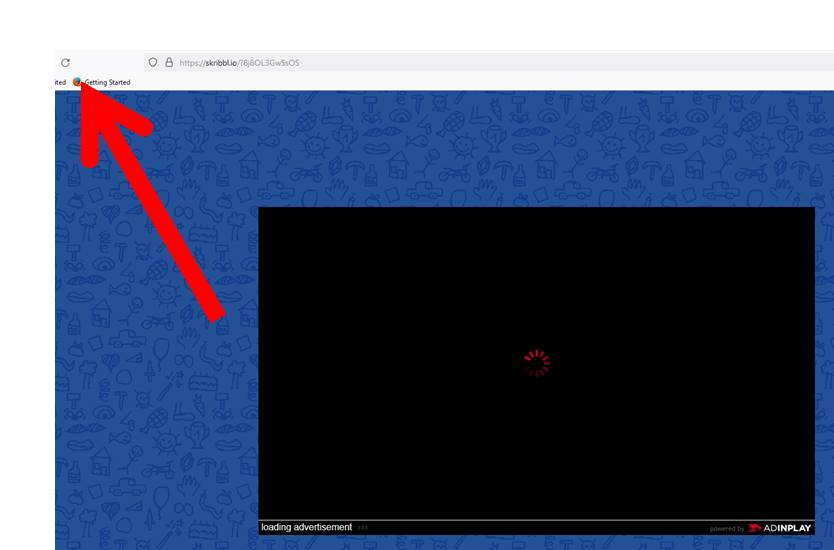
Often, the first time Play! Is pressed, Skribbl will try to go to a different game and stop on this big black box. Just refresh your browser and it will reload back at the Skribbl Home page.
While this is inconvenient, it does keep your name and avatar settings. So, just hit the big green Play! Button again, and you should go right to the Skribbl Lobby.
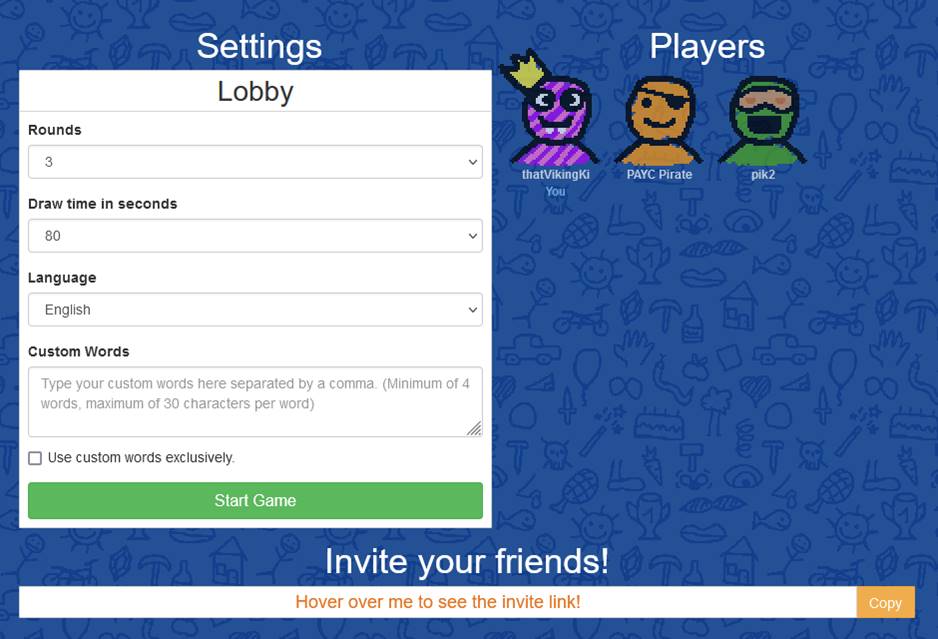
At this point, You should see the game host (thatVikingKing in this case) and all the other players.
At this point, you have nothing else to do until the game starts.
Once everyone is in the Skribbl Lobby,the game host will press the big green Start Game button and the fun begins!-)
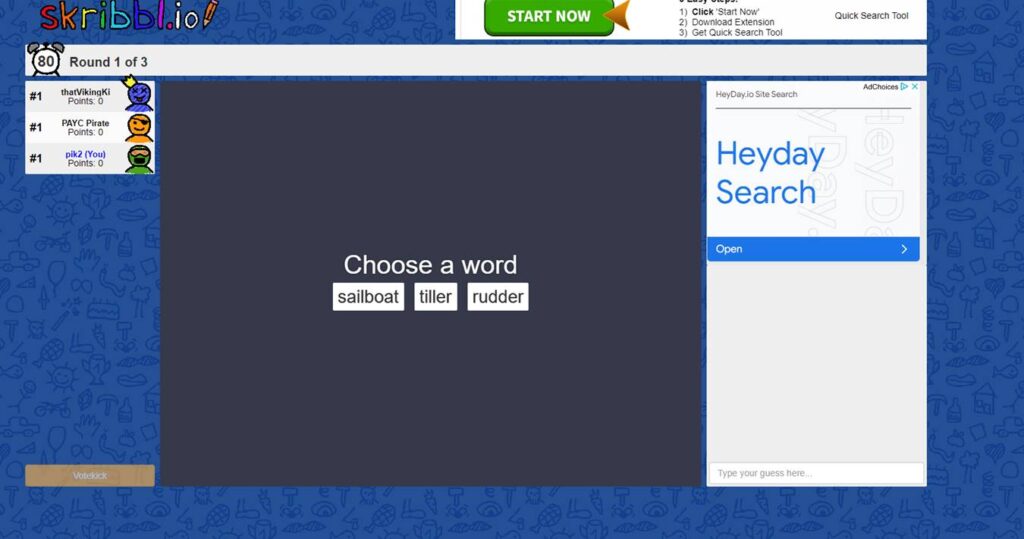
When it is your turn to draw, you will be given three words to choose from. Remember that you get more points when people guess your word quickly. So pick a word that you think you can draw in a way that people can guess.

After choosing a word, everyone will see a plain white screen. If you’re trying to guess, you’ll see dashes on the top of the screen showing the number of letters. On the lower right is a box to type your guesses.
The person drawing will see the the words and some drawing tools on the bottom.
On the right is a chat box that will show all the wrong guesses. Look there for ideas and to check for your typos!-)
If you’d like to play your own game of Skribbl, click here!